cse15l-lab-reports
Lab Report 3
Part 1: Streamlining ssh Configuration
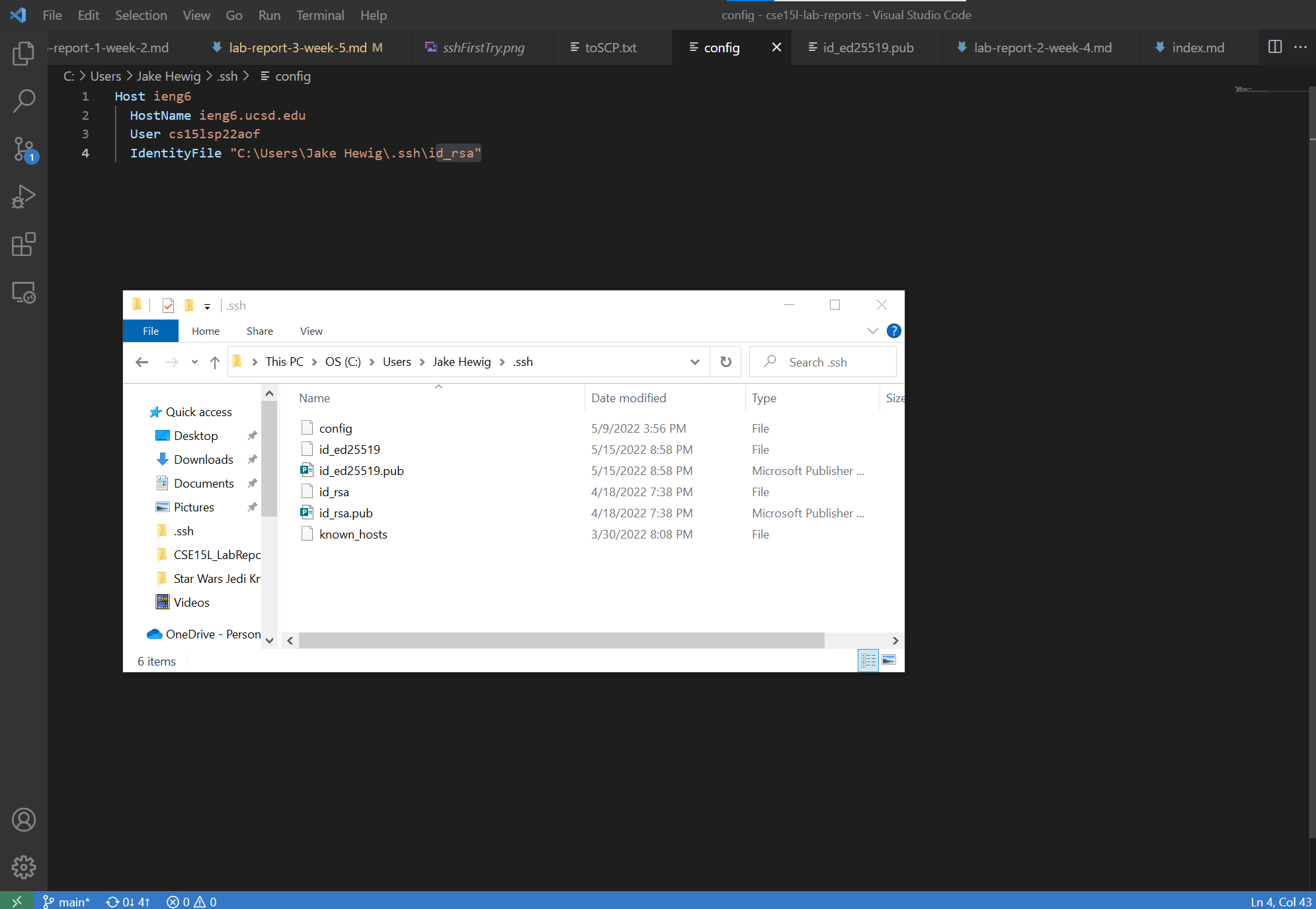
I edited my config file using VSCode, it was located in the .ssh directory of my personal User directory.
The location of my file:
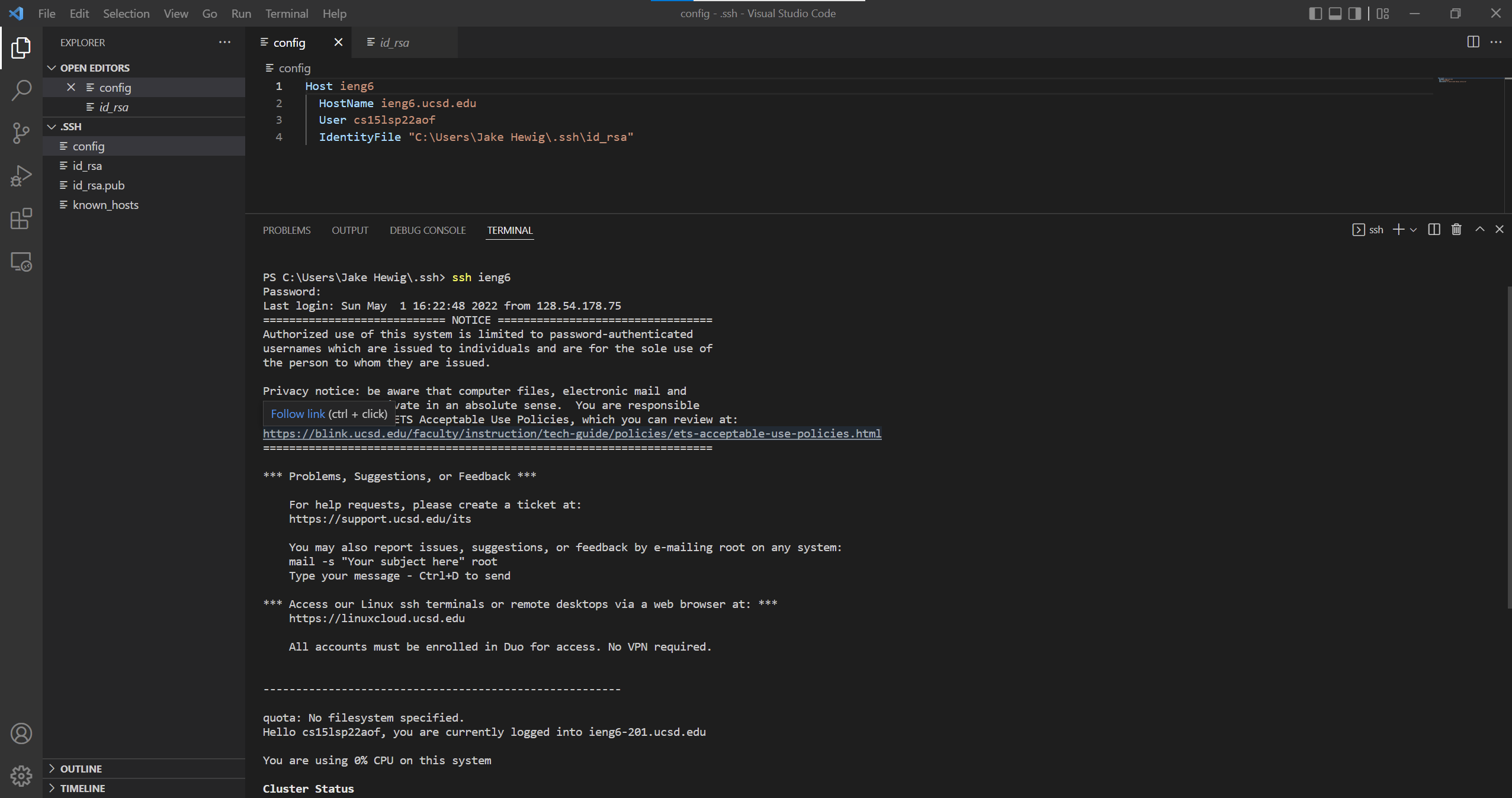
Logging in using my alias:
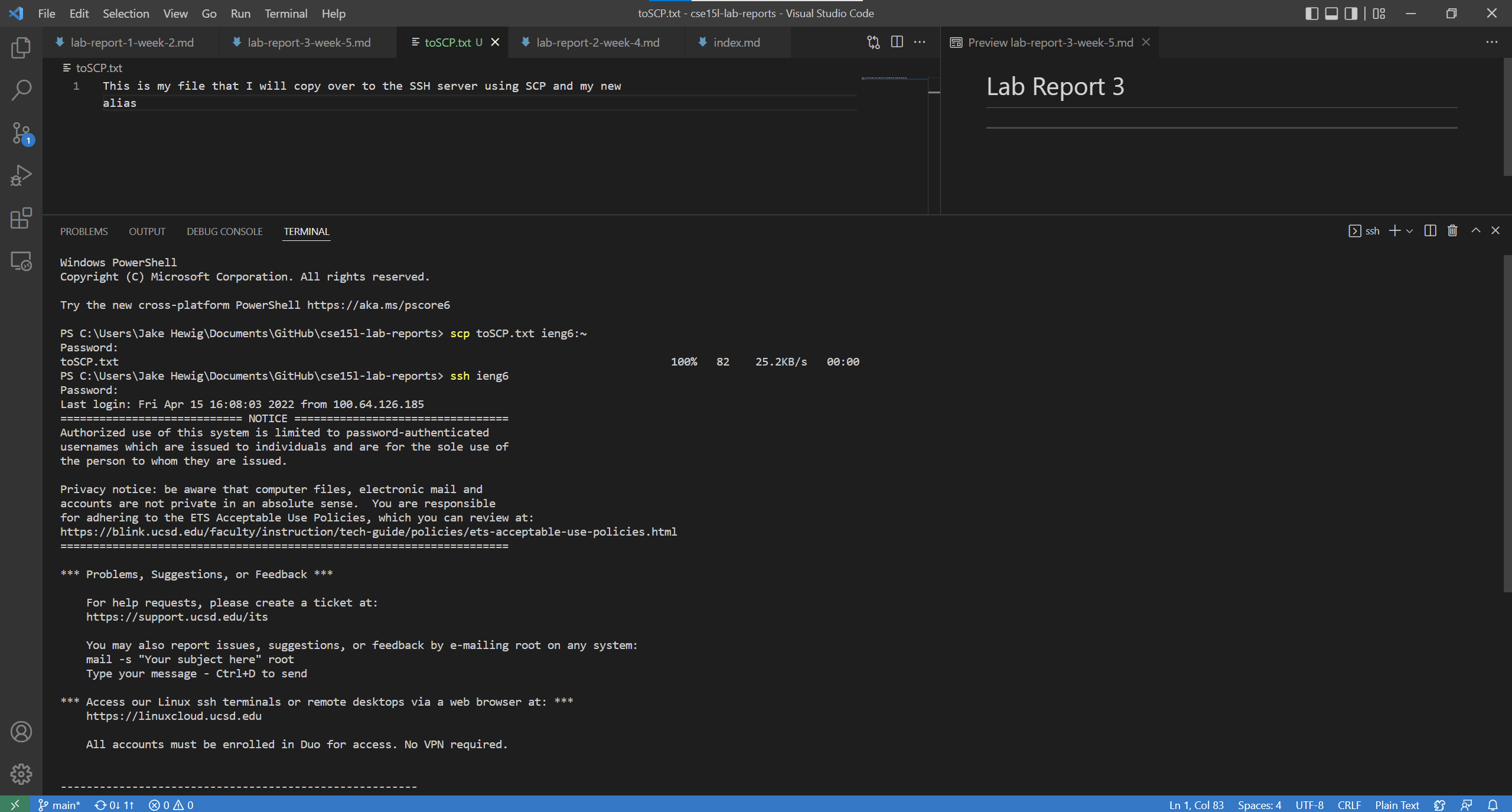
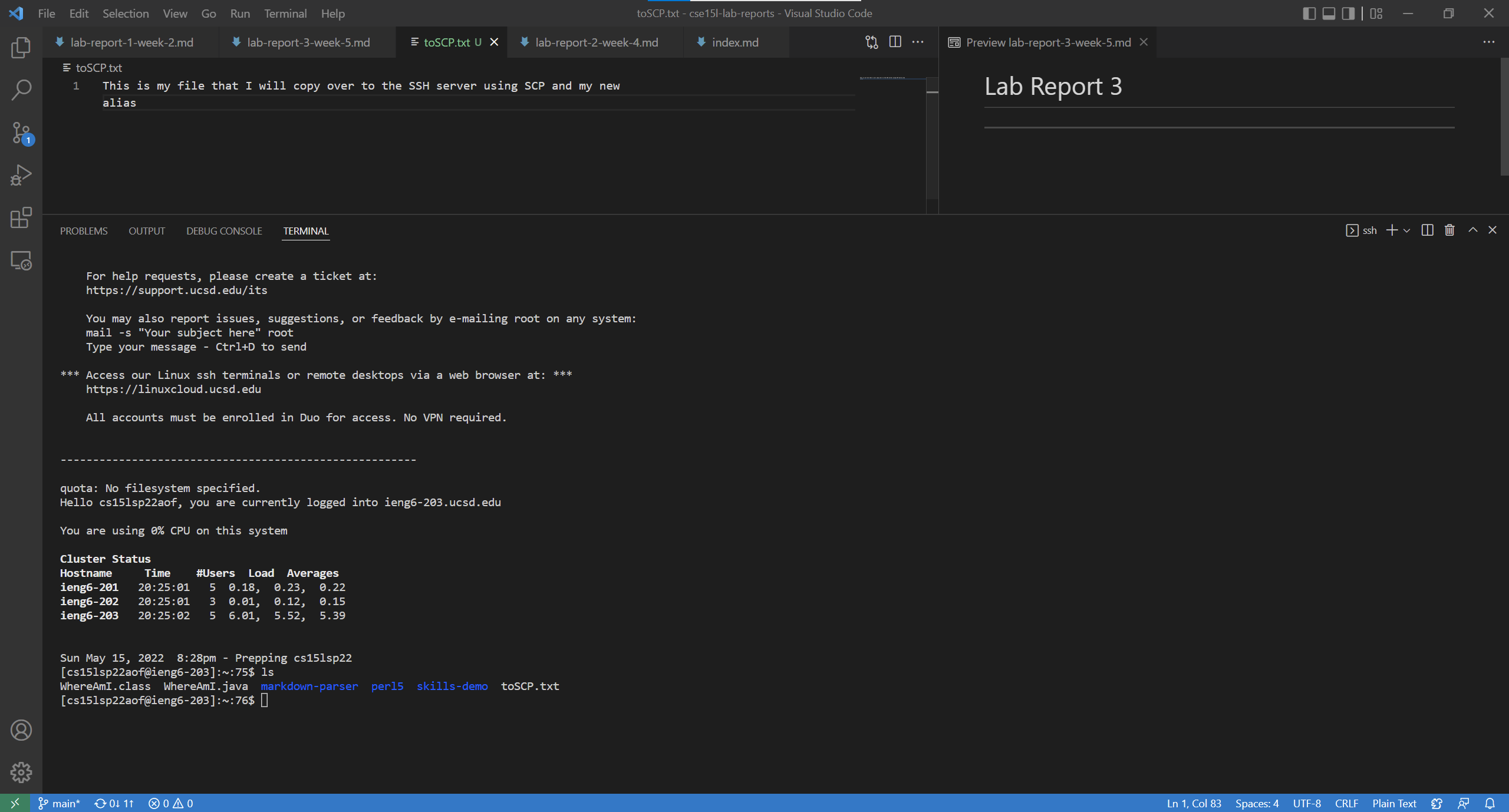
Using scp to copy over a file I made called toSCP to the server, using just my alias:
Part 2: Setup Github Access from ieng6
Location of my public and keys:
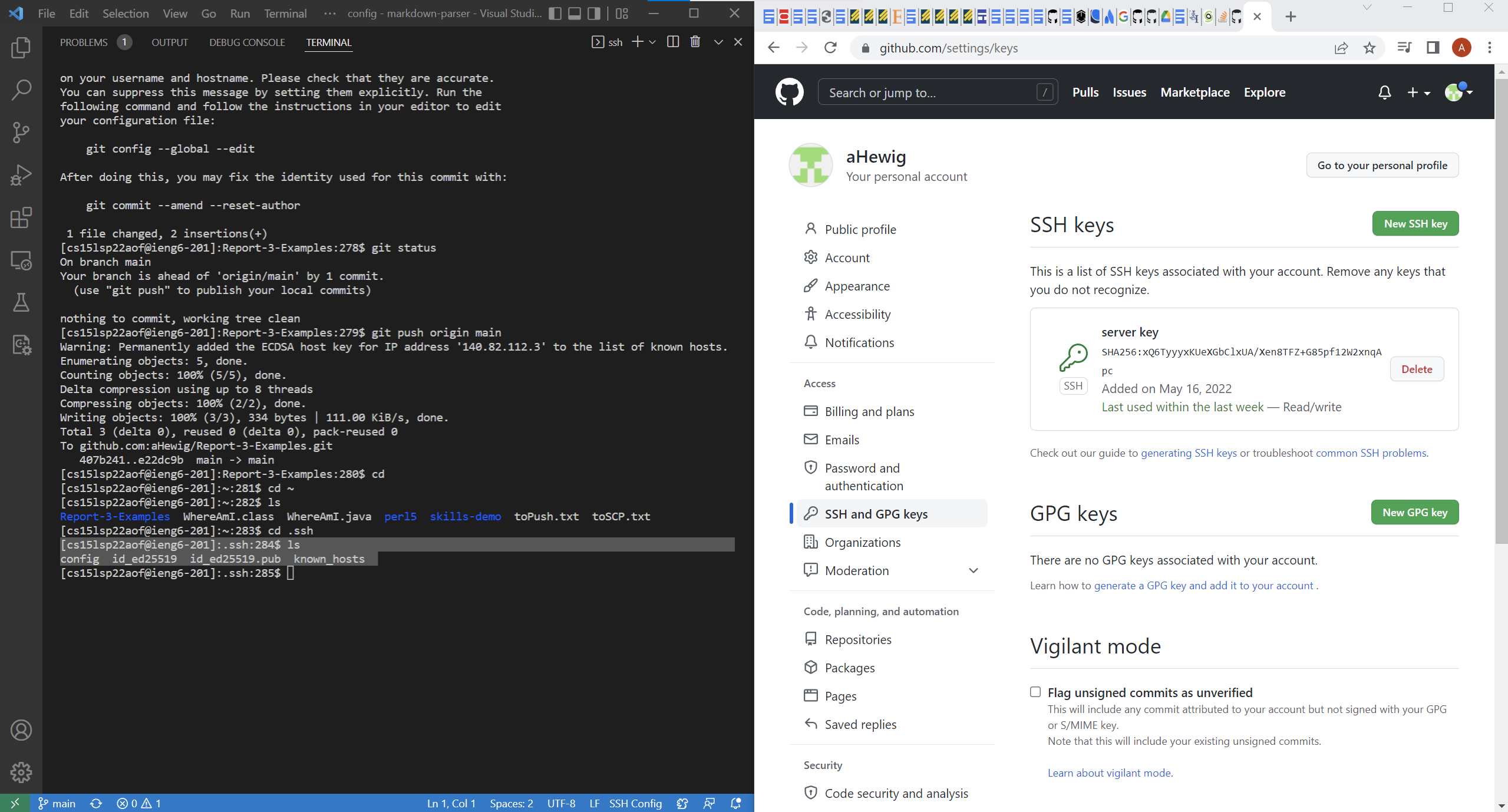
The commits I made and pushed to my gitHub Repo:
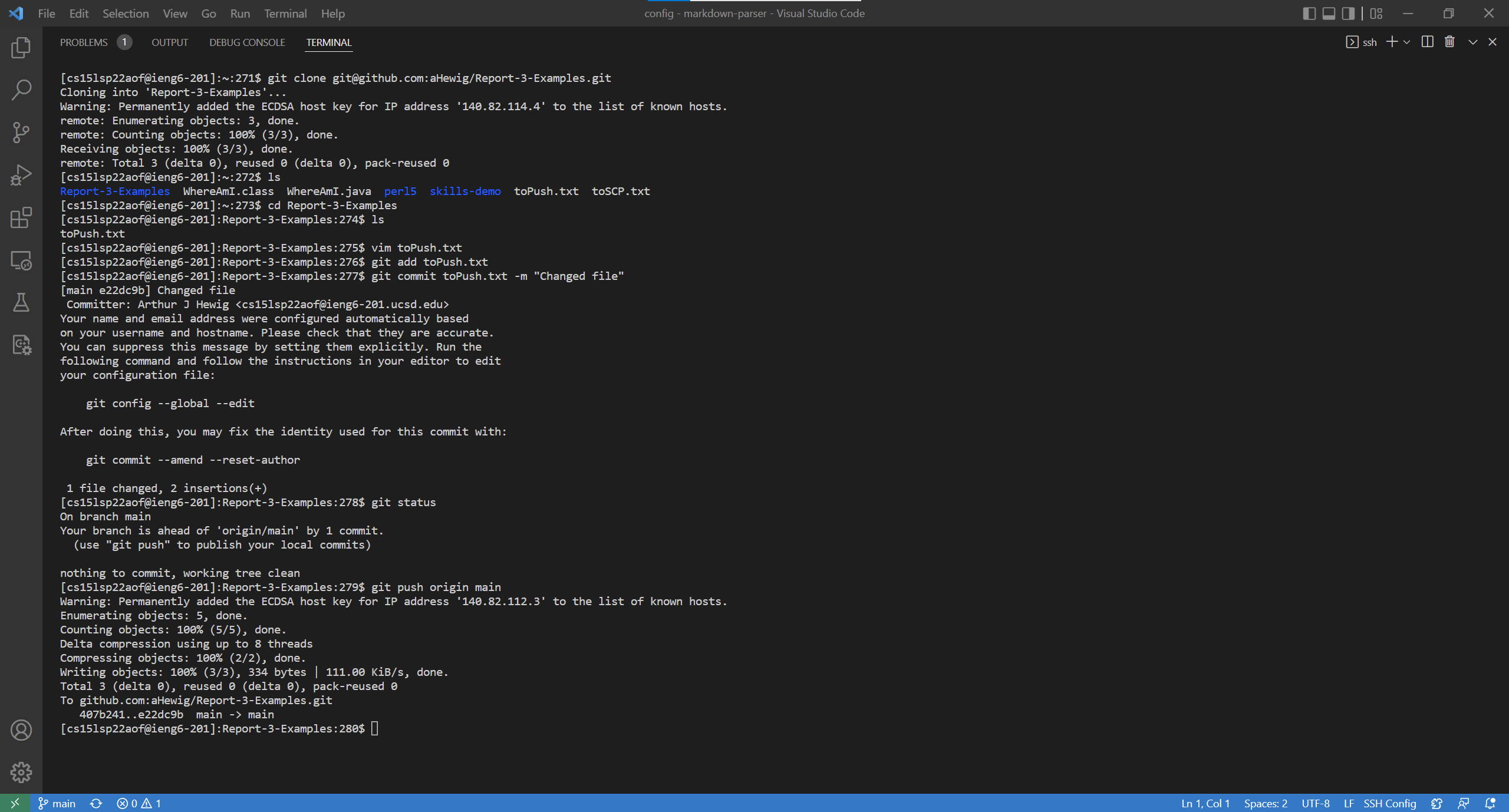
The link to my commit that I made on the server here
Part 3: Copy whole directories with scp -r
Copying my entire directory including the .git files:
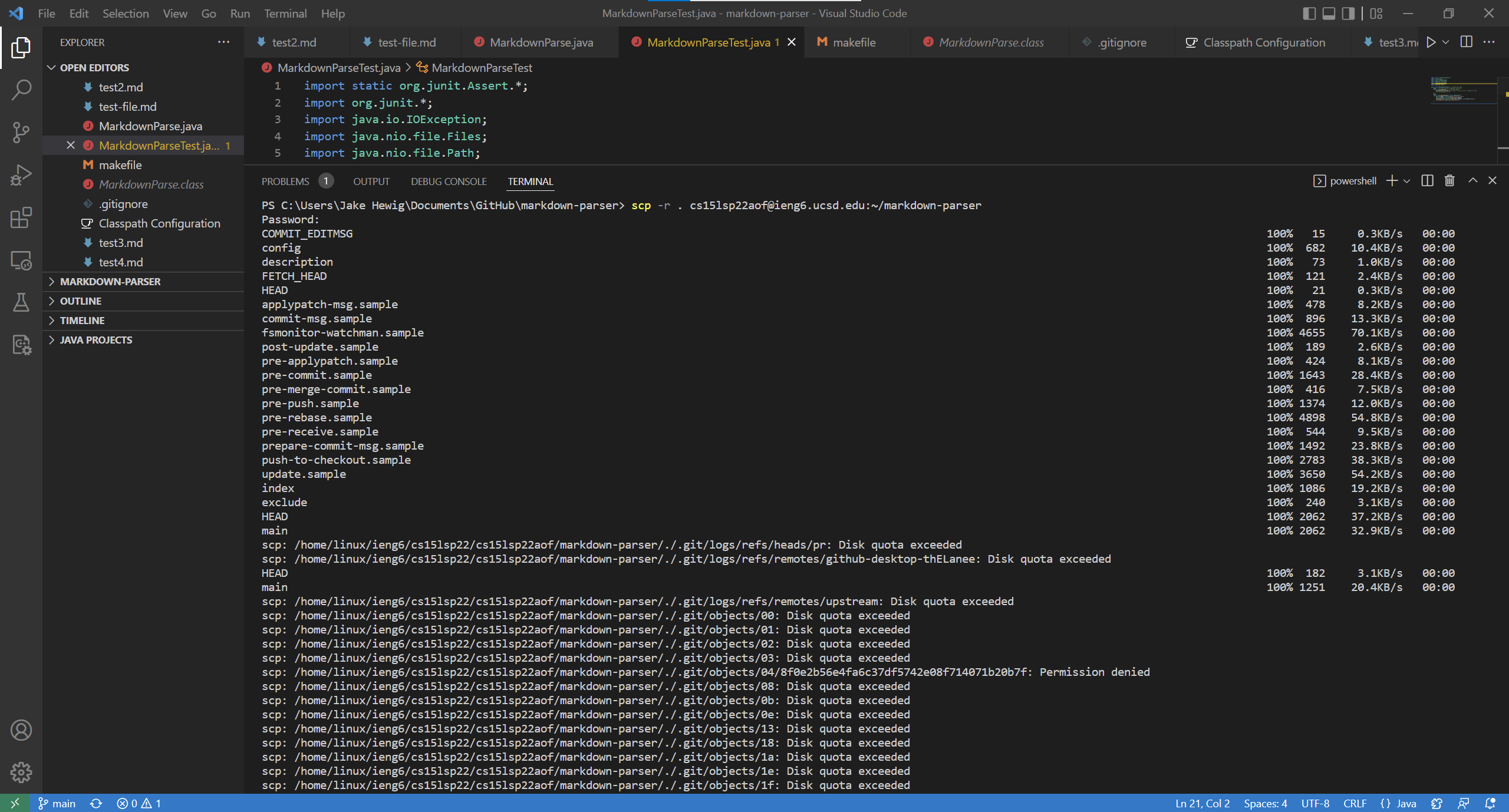
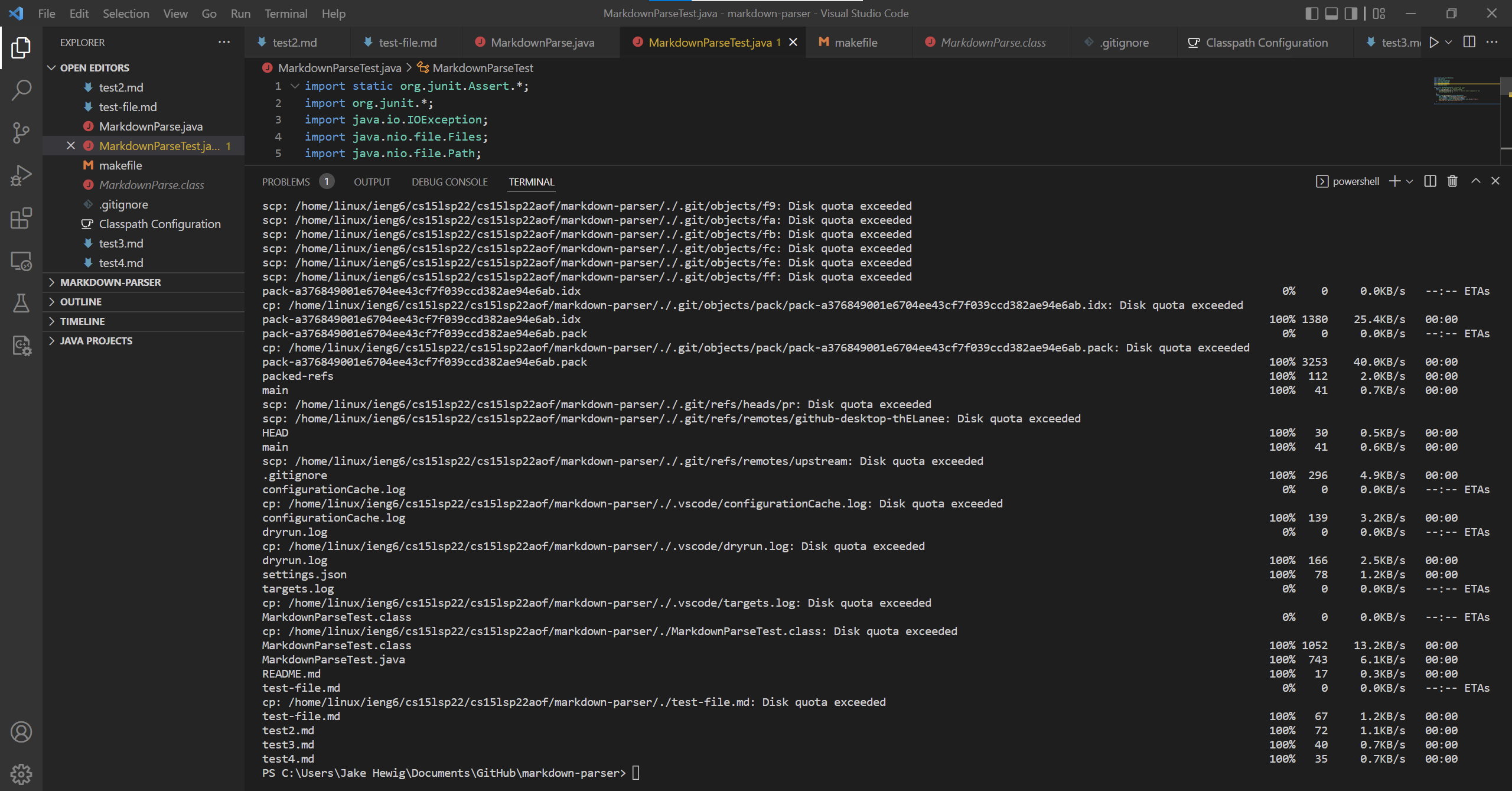
Copying over the directory without the .git files:
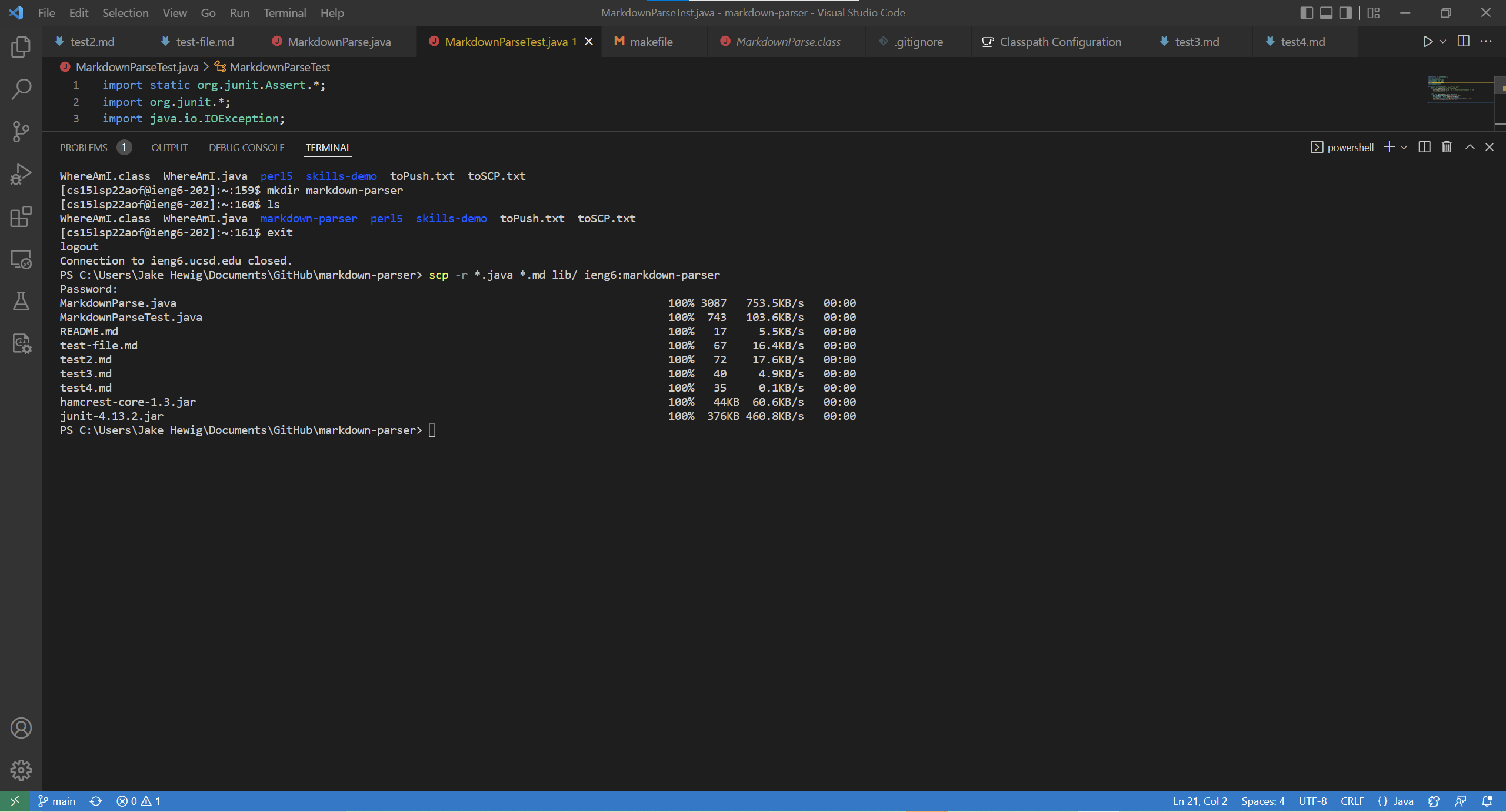
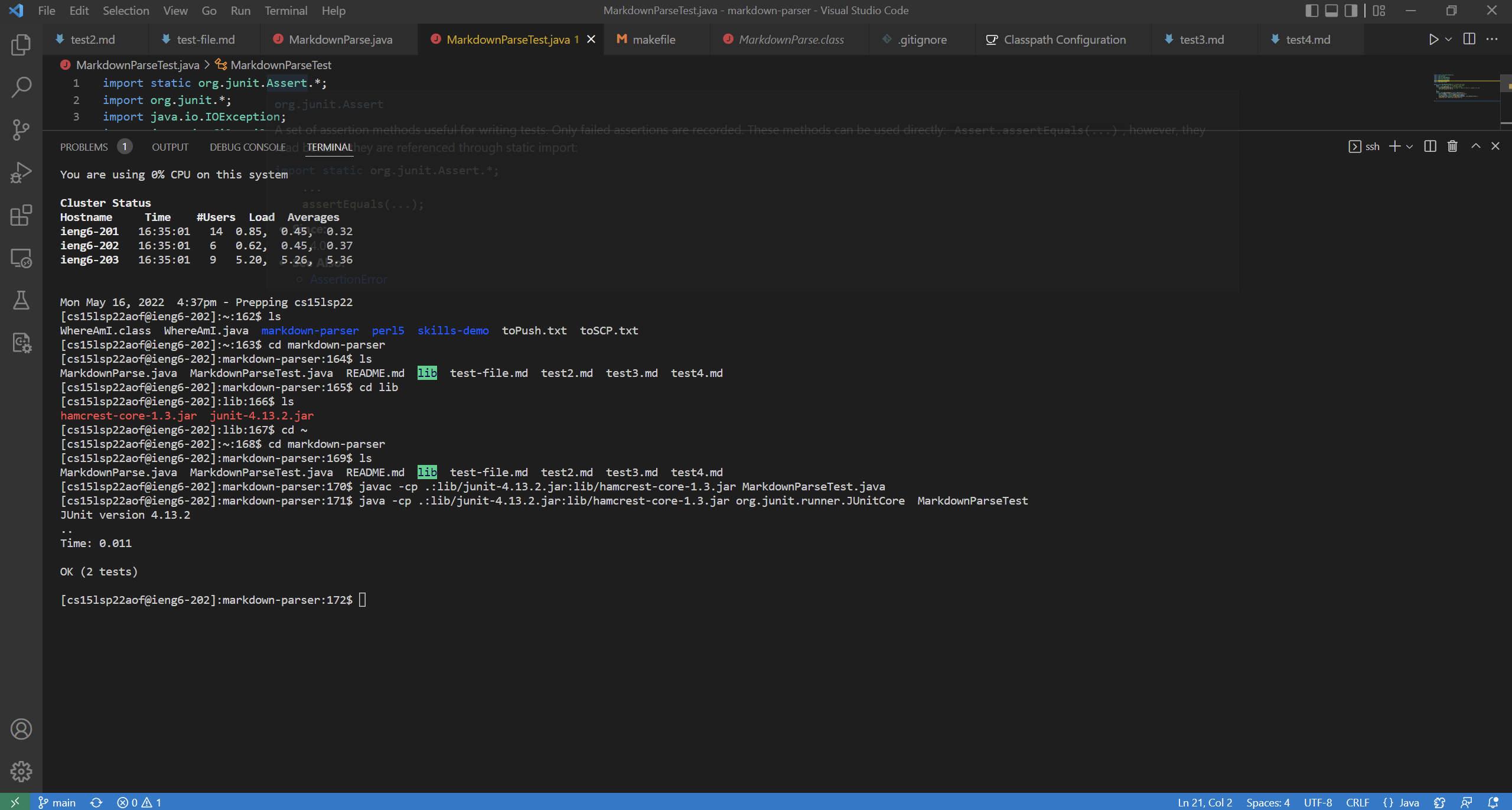
Compiling and running my tester on the ssh server:
Copying my entire directory and running the tests on one line:
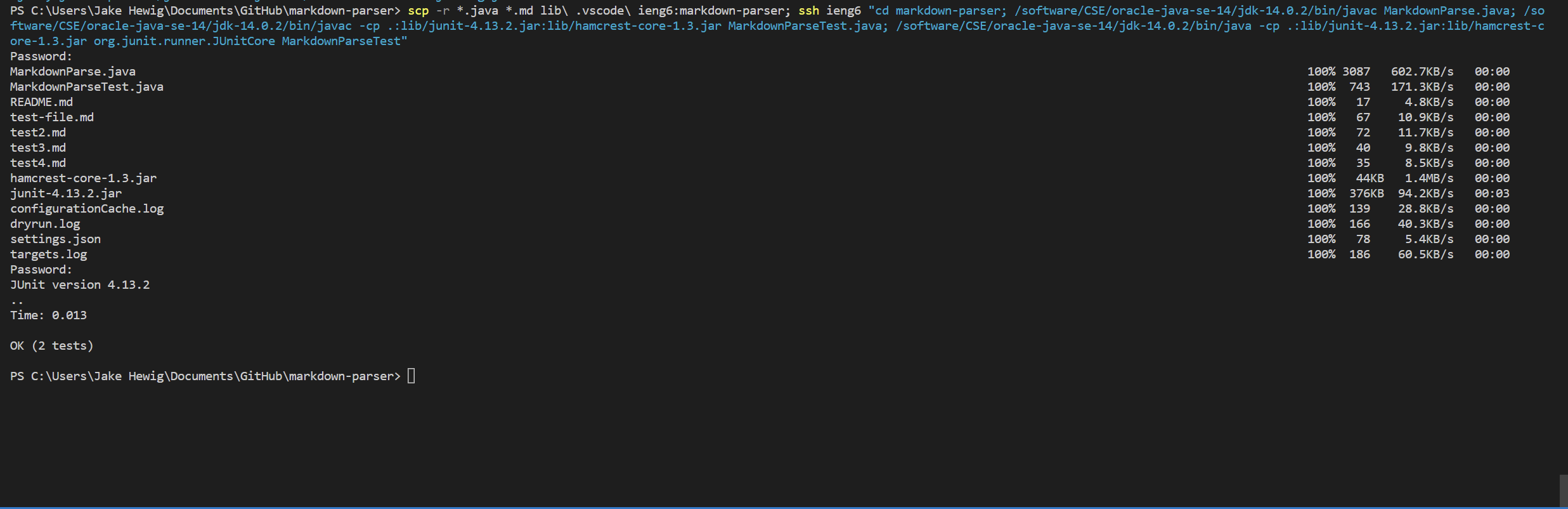
I had to specify the version of java on the command line to be run on the server because the tests kept failing initially.